



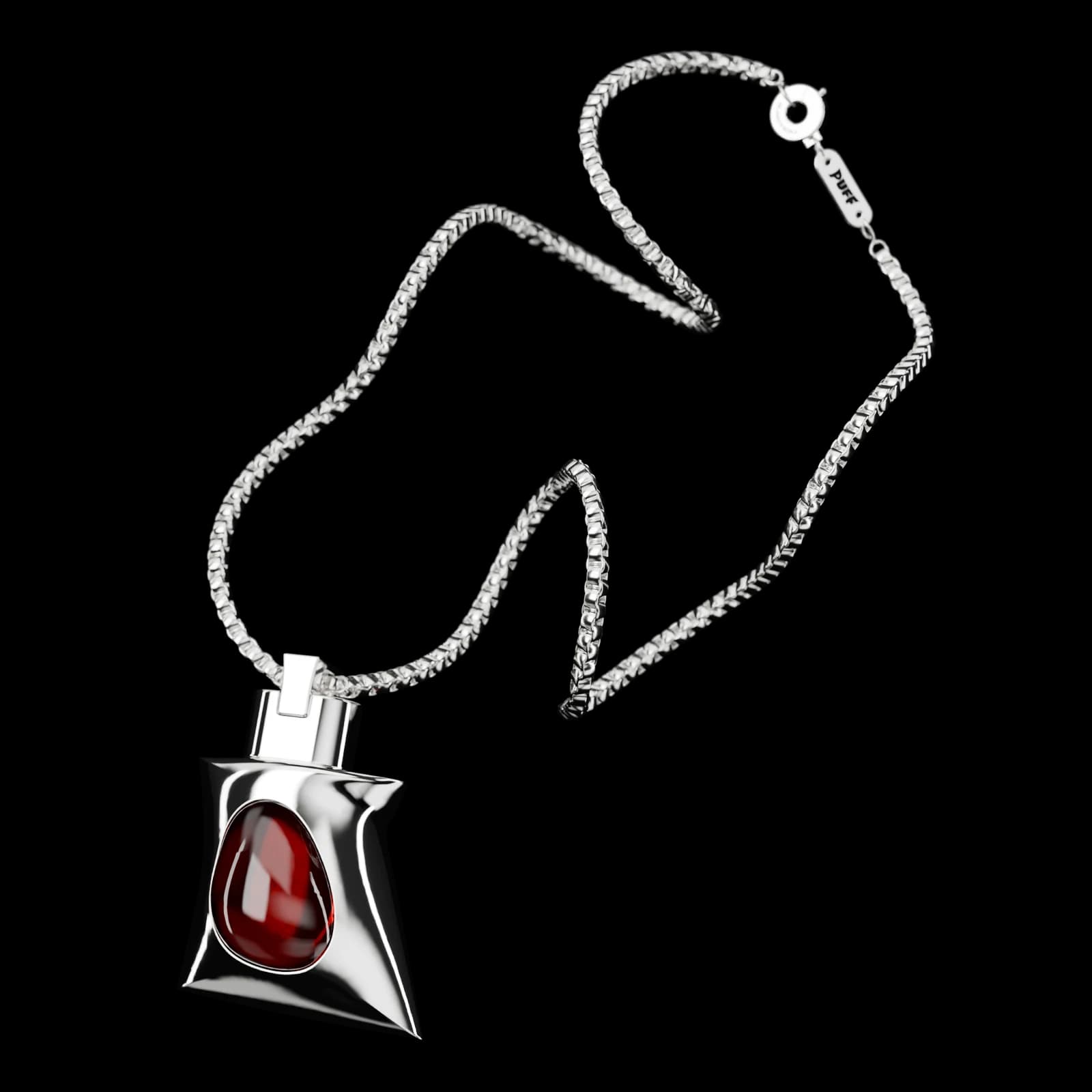
Puff on its chain
Puff
A new kind of flash drive
- Ships Nov 1
- Free US shipping
- 14-day returns
What's in the box
- 1× Metal Puff, 128 GB
- 1× Box chain necklace
- 1× USB-A adapter
- 1× Screwdriver
Tech specs
- Storage
- 128 GB
- Interface
- USB 3.1
- Speed
- Up to 100 MB/s
- Weight
- 30 g
- Material
- Metal
- Gem
- Photopolymer resin
- Screen
- Animated, behind the gem
- Works with
- Mac, Windows and Linux
About Puff
Puff is a flash drive, with a screen that comes to life.
Wear it any way you like...
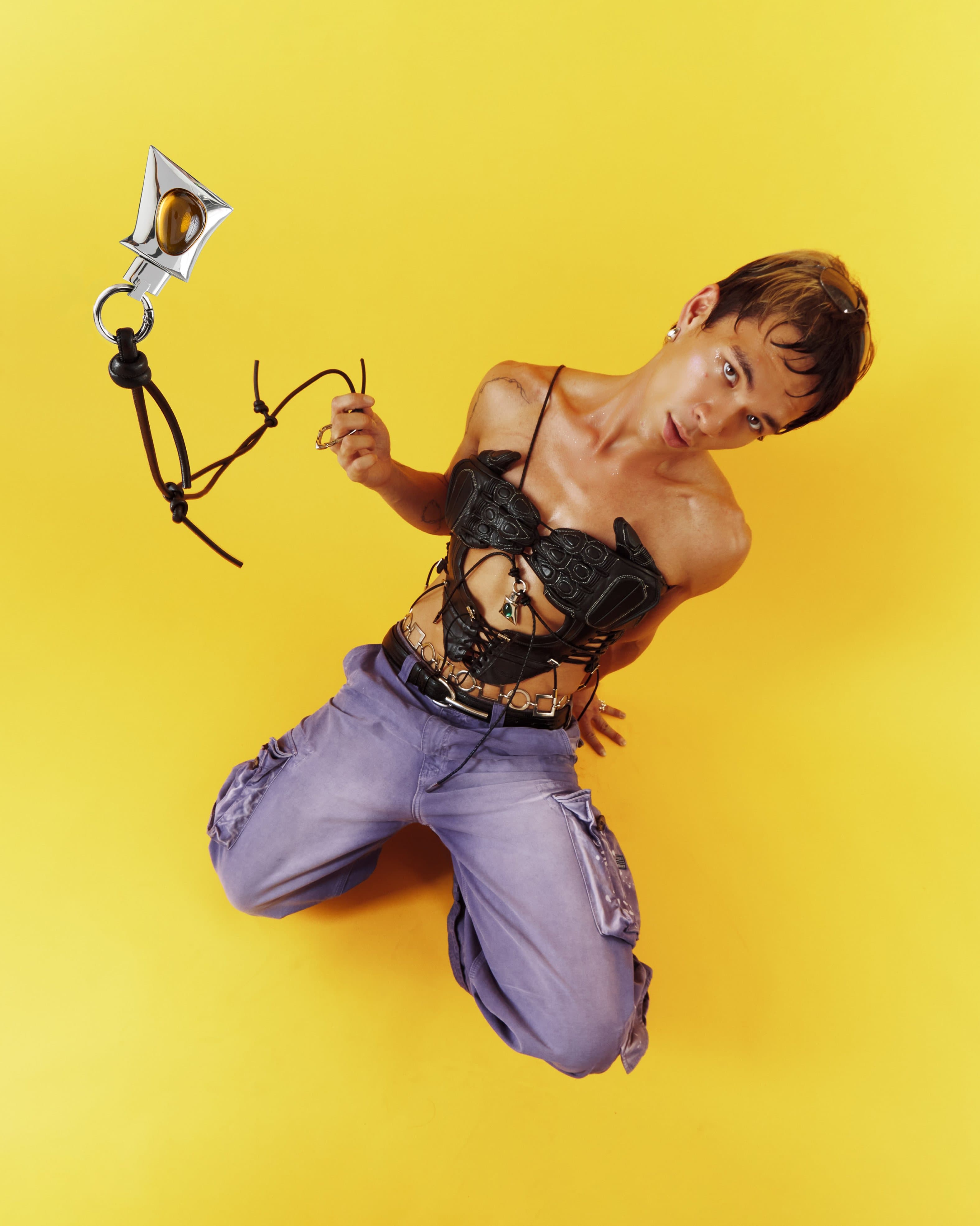
A model kneels on yellow, flinging a Puff on its cord
Press
 “Noware’s Puff necklace whimsically reimagines flash drives, turning something functional into personalized jewelry.”
 “reimagining the form and function of devices in inspiring ways”Good Screens · featuring Noware
- IDEONoware featured in 25 things inspiring IDEOEdges by IDEO
- “the perfect accessory for a weekend-long festival”
 “Noware's Puff Flash Drive reimagines the small, portable data storage device as a dynamic, wearable accessory”
 “Noware’s Puff offers a fresh direction for wearable tech”
- “Noware’s Puff necklace whimsically reimagines flash drives, turning something functional into personalized jewelry.”
- “reimagining the form and function of devices in inspiring ways”Good Screens · featuring Noware
- IDEONoware featured in 25 things inspiring IDEOEdges by IDEO
- “the perfect accessory for a weekend-long festival”
- “Noware's Puff Flash Drive reimagines the small, portable data storage device as a dynamic, wearable accessory”
- “Noware’s Puff offers a fresh direction for wearable tech”
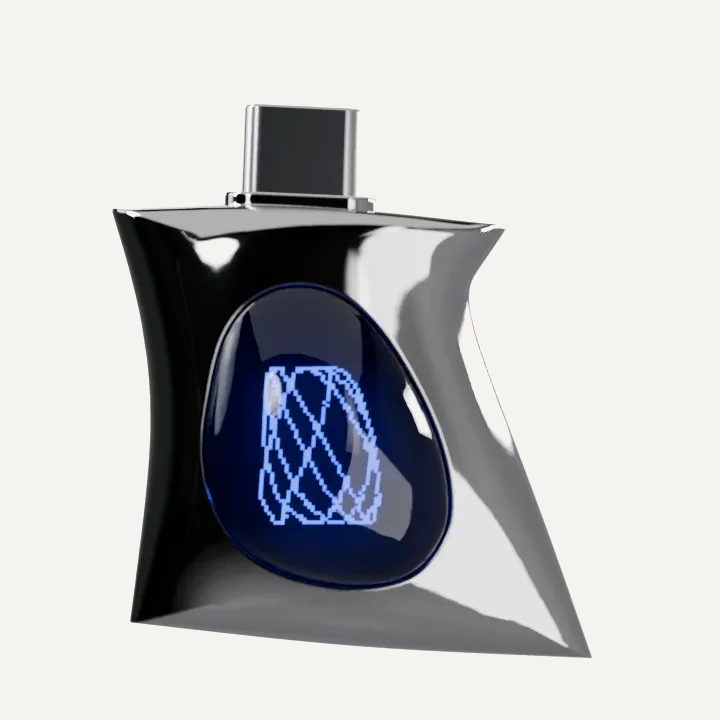
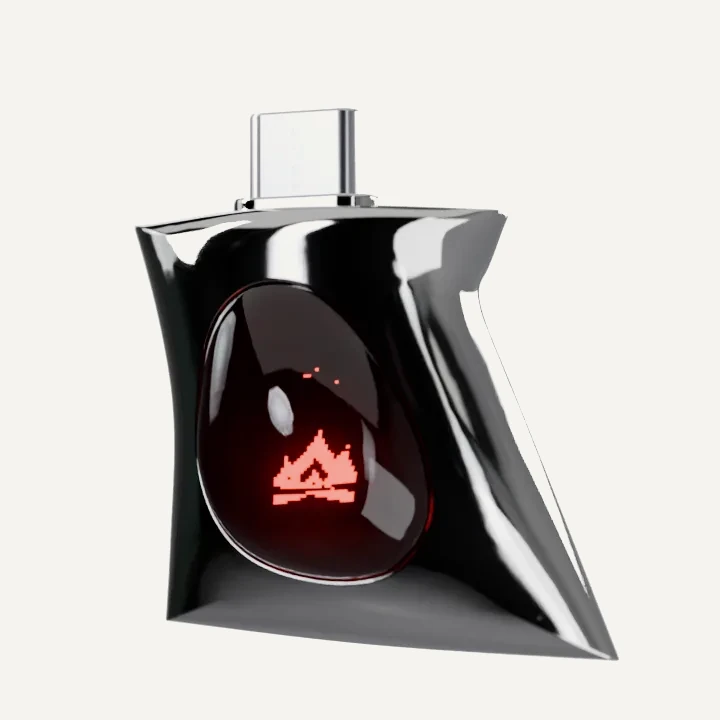
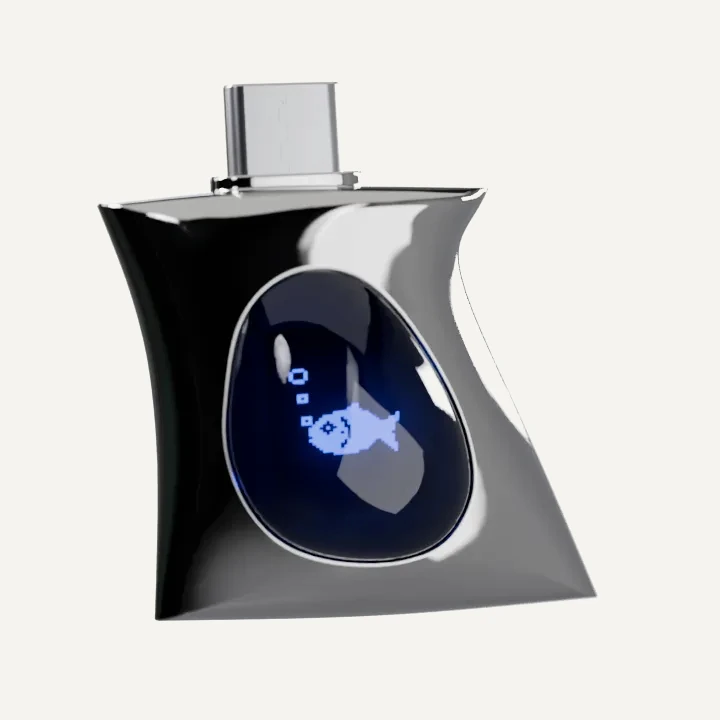
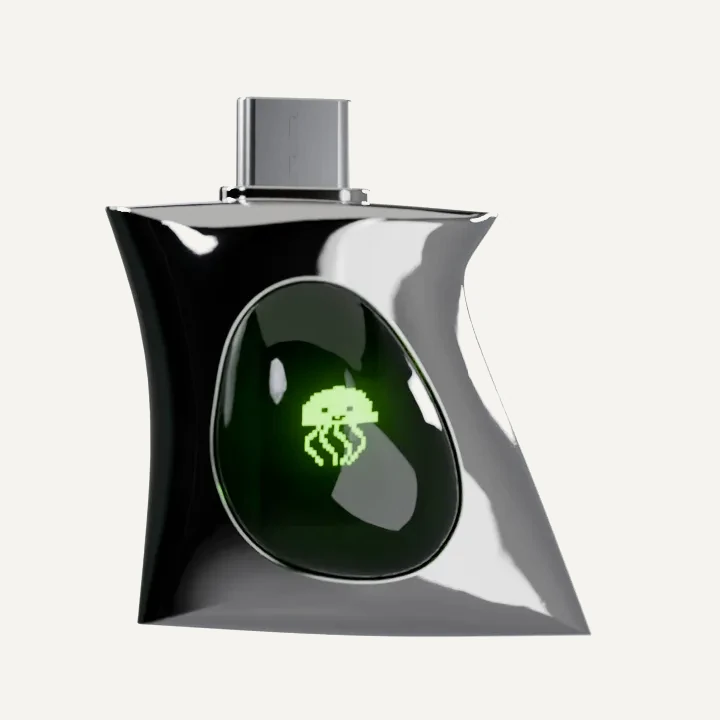
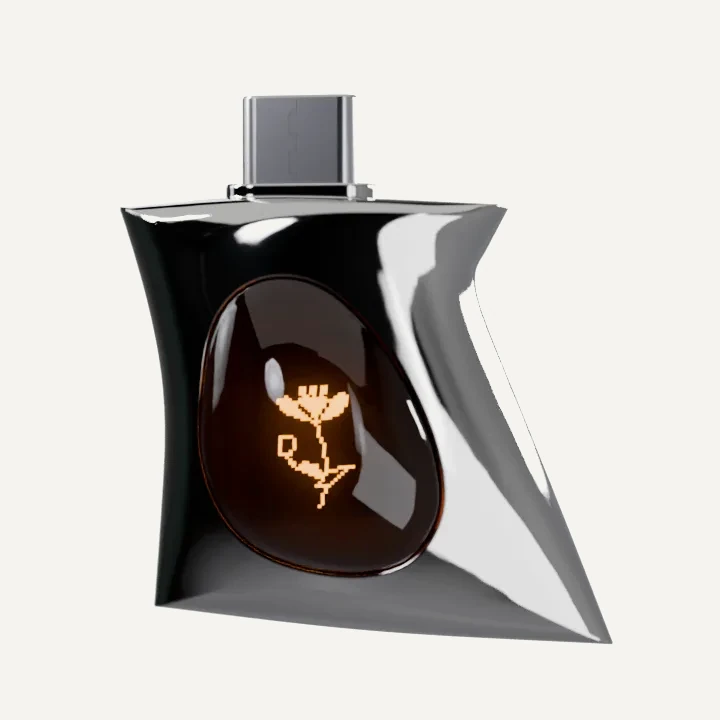
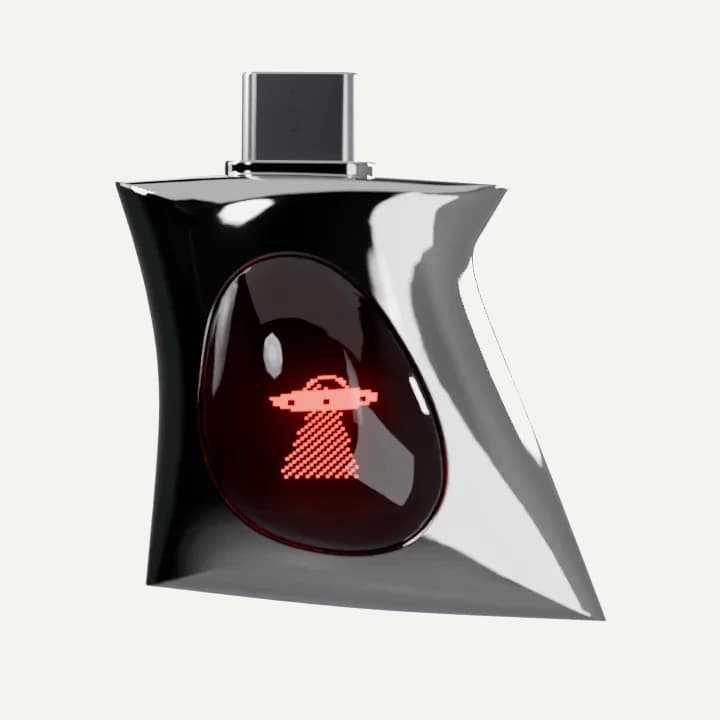
Make Puff Yours
Store a few animations on your Puff and make the screen feel like you.
Open Puff Studio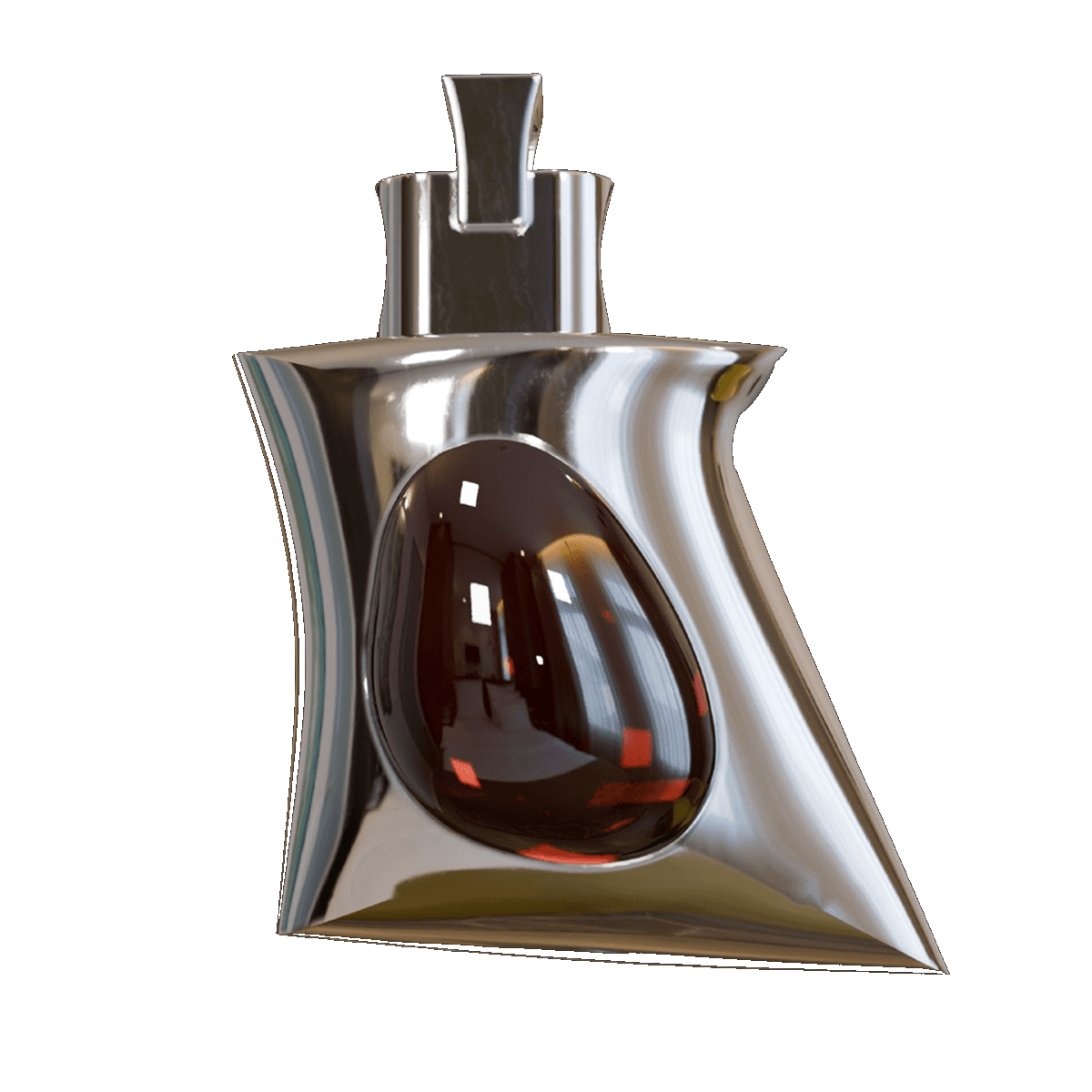
Change your animation anytime with the button on the back.
Try it here
Store a few animations on your Puff and make the screen feel like you.
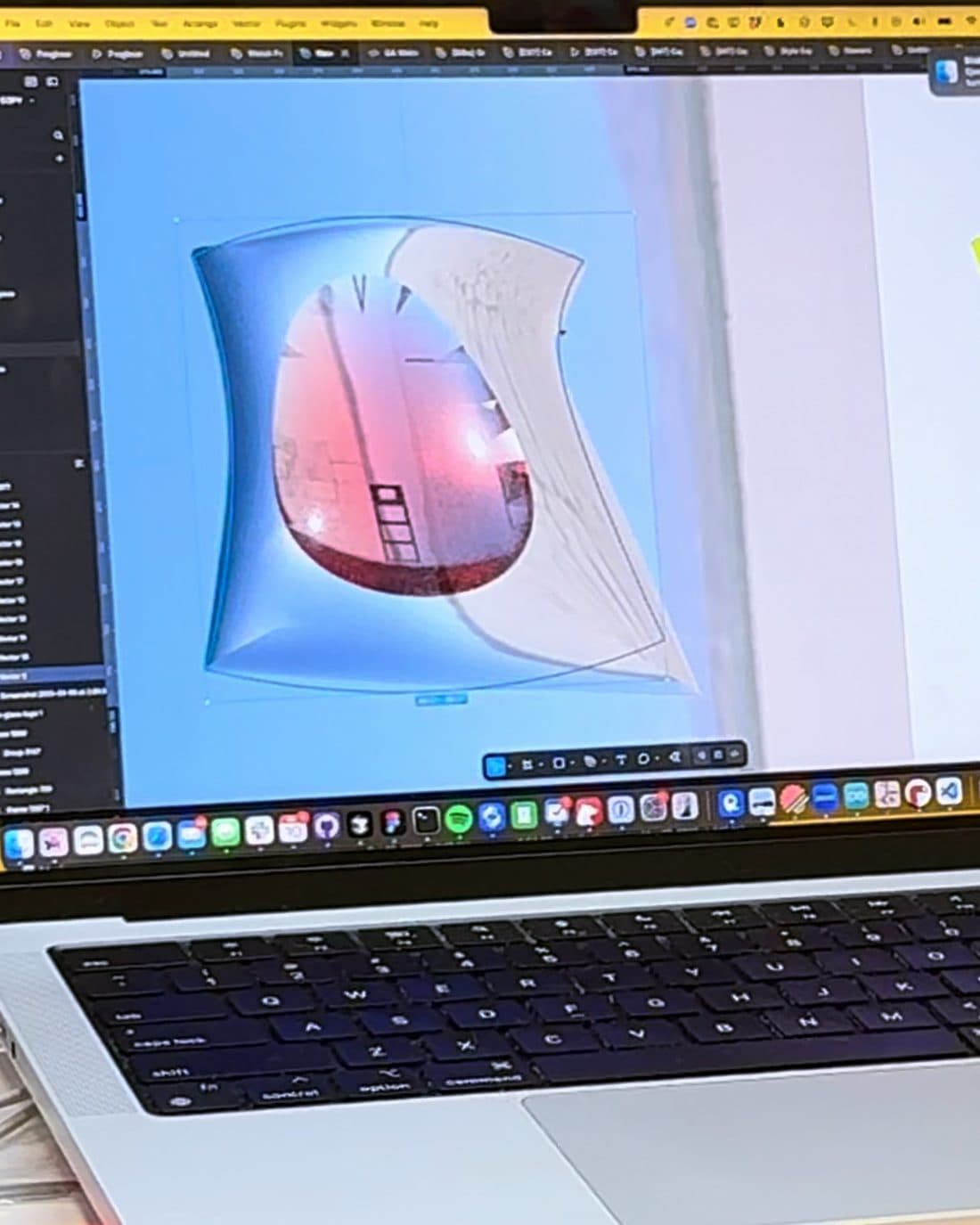
01 — Shape
We found the shape by inflating forms in 3D, then printed dozens of them to hold. Most went to the graveyard. This one stayed.
02 — Cast
Every body starts as wax. It's set in plaster and melted out, and molten metal fills the space it leaves: lost-wax casting, the way fine jewelry is made. We cast the first Puffs ourselves. Now a jewelry workshop casts them all.
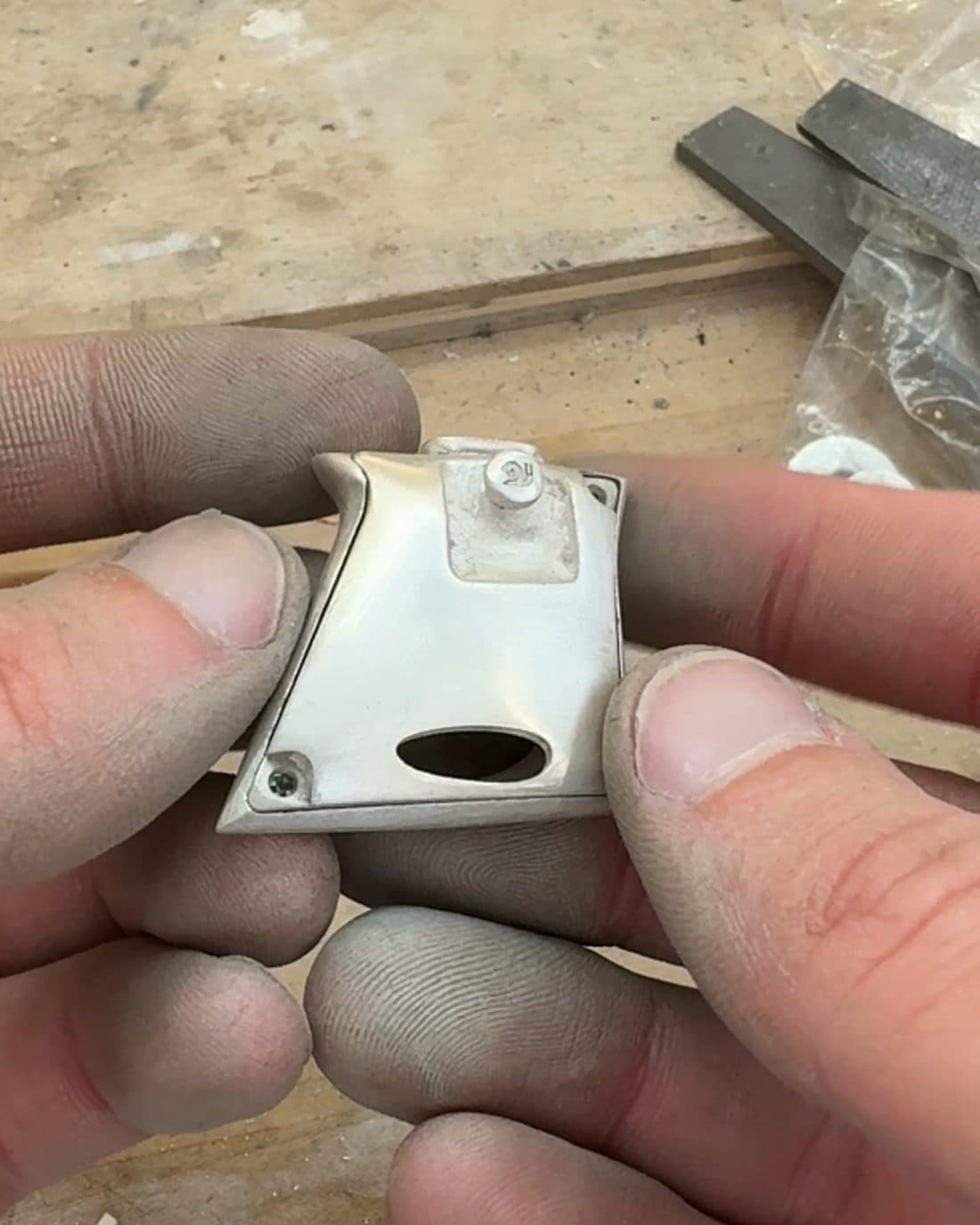
03 — Finish
Each body is cut from its tree, filed smooth and polished in stages until it shines like a mirror, then wiped down and checked by hand.
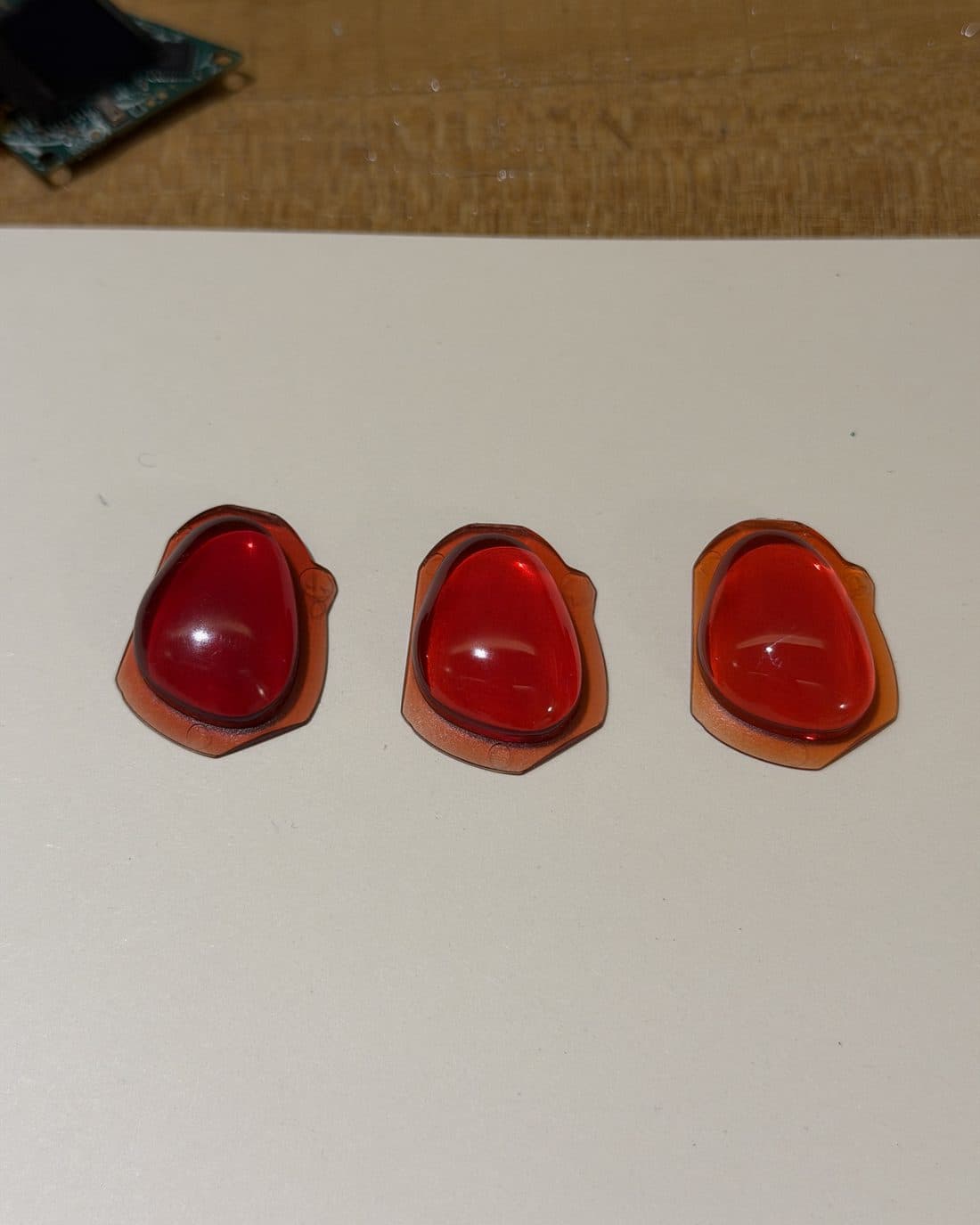
04 — Gem
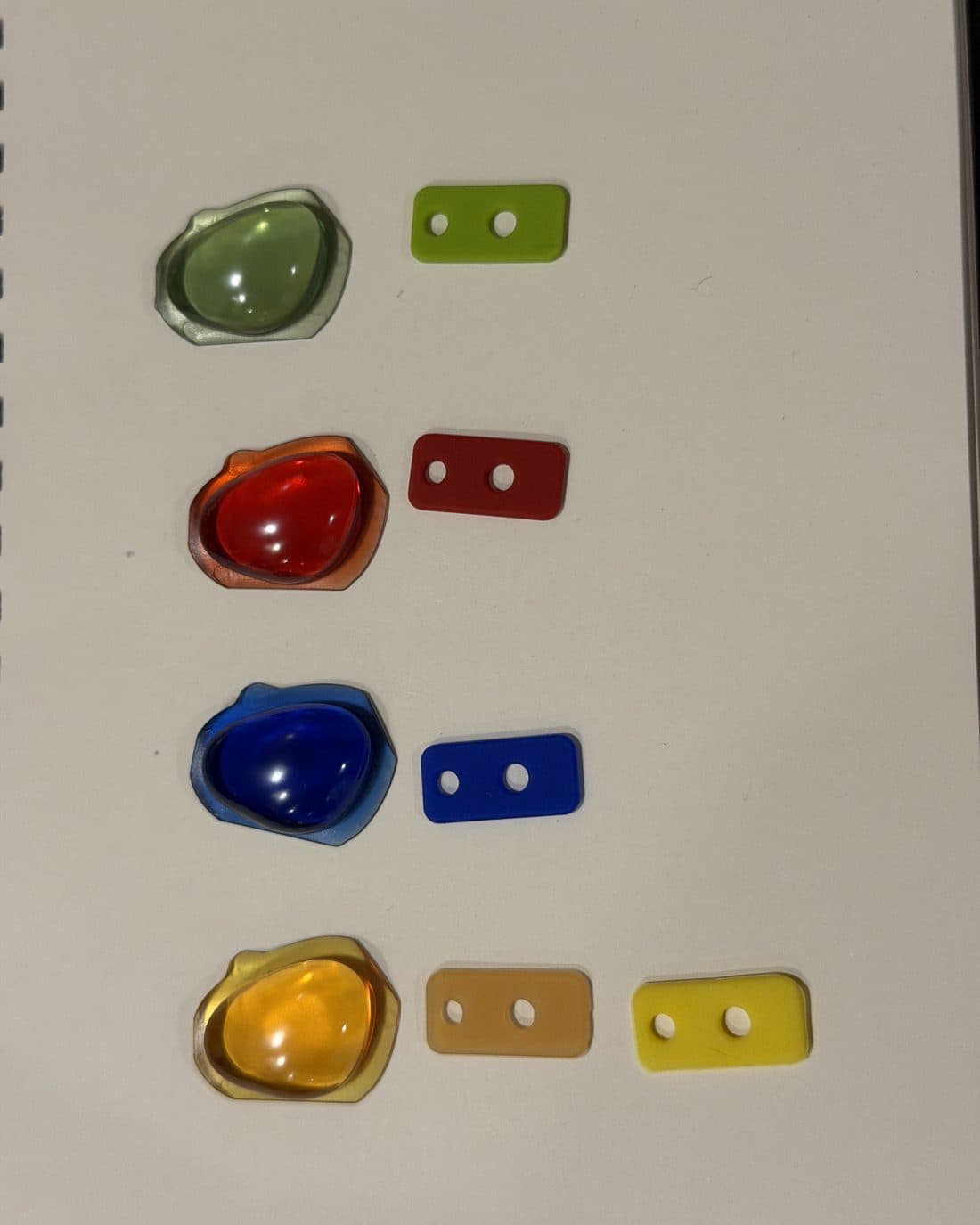
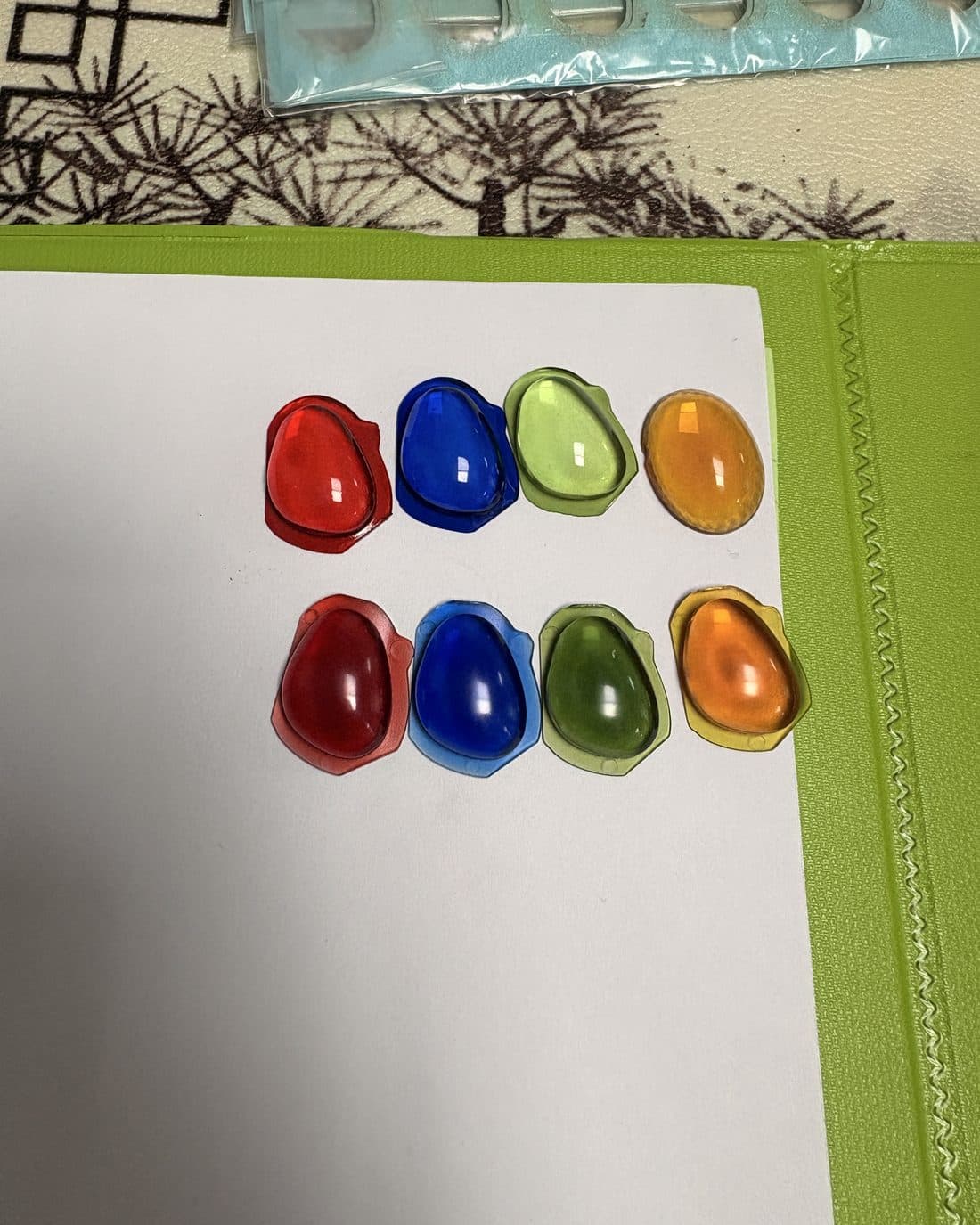
The gem is moulded crystal clear and colour-matched to chips we sent the factory, so the screen shines through it bright.
05 — Board
Our own circuit board, with art on both sides. It's printed, placed and baked on an assembly line, checked by camera, then flashed on a fixture we built.
06 — Together
The screen is tested on the board. Then board, gem and body are screwed together by hand, and every Puff is plugged in once more before it ships.
07 — Inside
CT scans

Questions
Looking for the manual? It's here.
Still stuck? Email us and we'll help sort it out.
What does Puff do?
Can I wear it in the rain?
Is there a manual?
Can I put it on a keychain?
Does it have a battery?
Does it work on Mac, Windows and Linux?
Can Noware see what's on my Puff?
No. Your files stay on your Puff, and we never see them.
Puff has sensors, but they only feed the animation on its screen while it plays. Nothing they pick up is recorded, stored or sent to us.
What does Puff Studio do with my data?
We never keep your uploads, and we never train AI on your work.
Photos and videos become pixel art right in your browser. The only thing we keep is your design, the pixel art and its code, so you can edit it and put it on your Puff.
What you make is yours. We don't claim ownership of it.
AI is optional. Everything in Puff Studio works without it.
Can I upgrade the microSD?
It's possible, but we don't recommend it; any swap is at your own risk.* Compatible microSD cards work, but Puff wasn't designed to be user-serviceable.
* We won't exchange or refund an opened or modified Puff, except where required by law. See our Return Policy.